

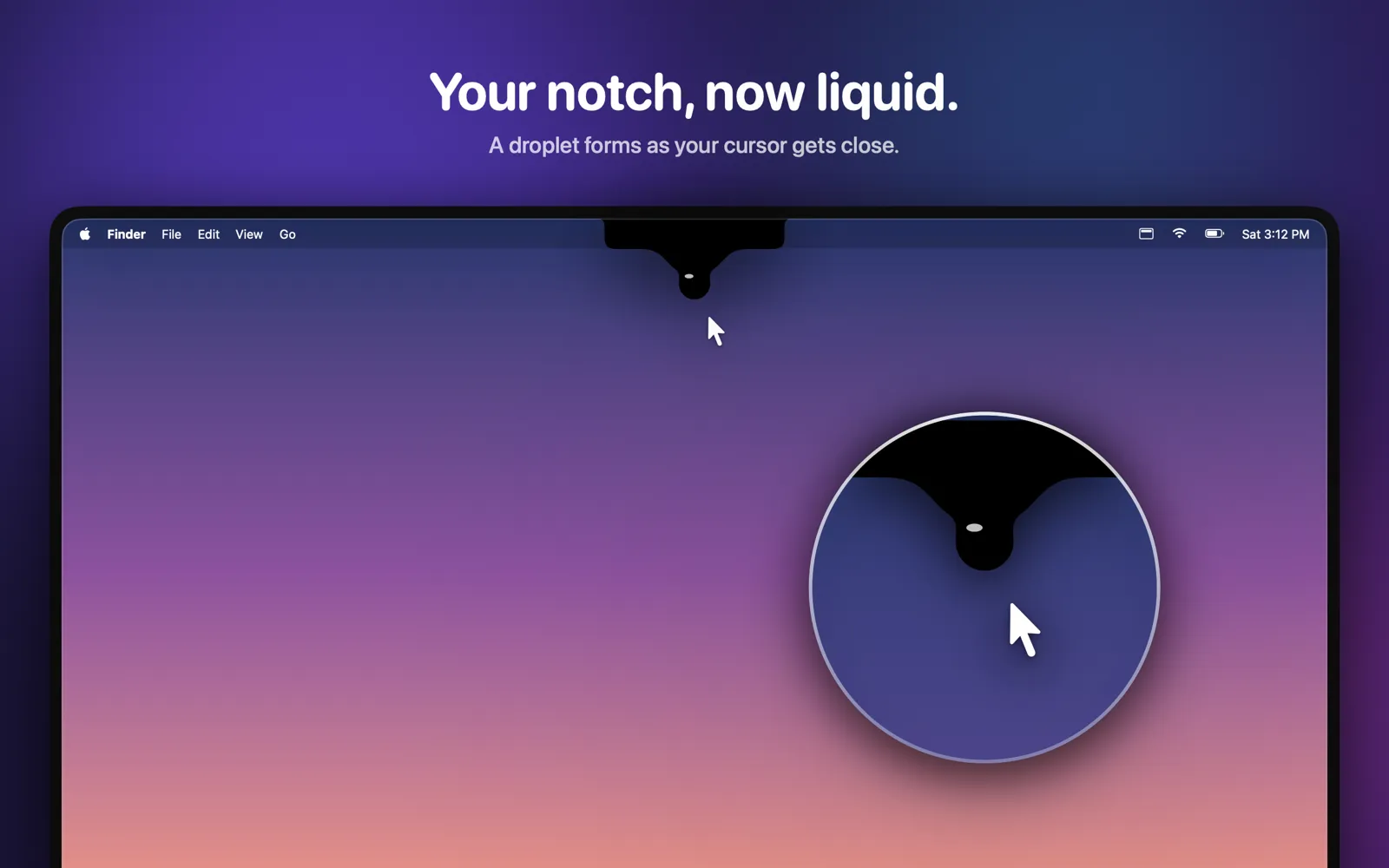
Liquid droplet
Move your cursor close and a soft, liquid drop stretches out of the notch – with spring physics and no sharp edges.
 Notchy
 turns the top of your screen into a command center: park files, act on them with drag and drop, find anything you copied and keep an eye on your AI usage. On a MacBook it lives in the real notch – on Windows, Notchy draws an elegant notch at the top of every monitor.
Free for Mac & Windows · Pro sync from €1.99/month · no tracking
The same Notchy on both platforms – adapted to each system.
Move your cursor close and a soft, liquid drop stretches out of the notch – with spring physics and no sharp edges.
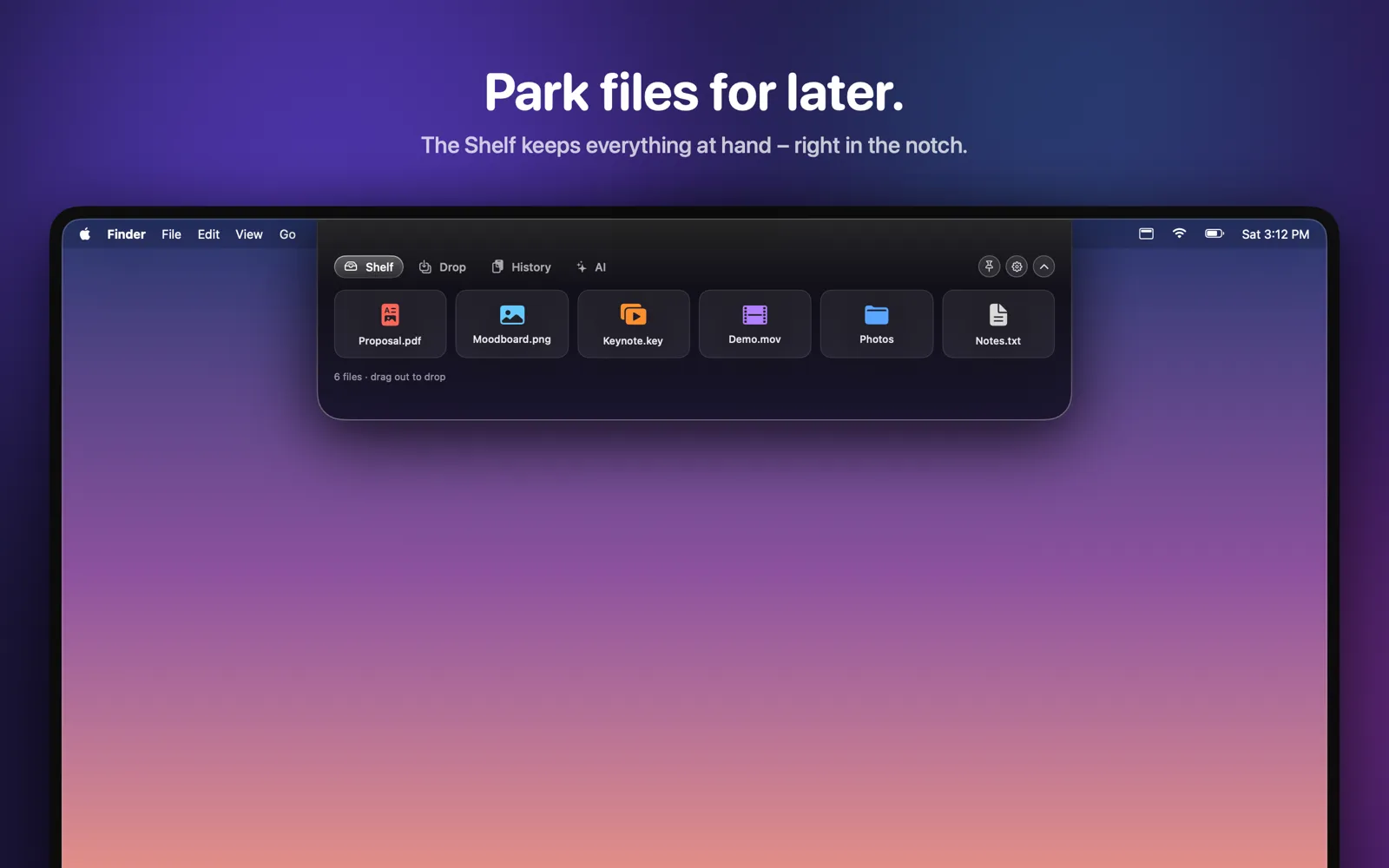
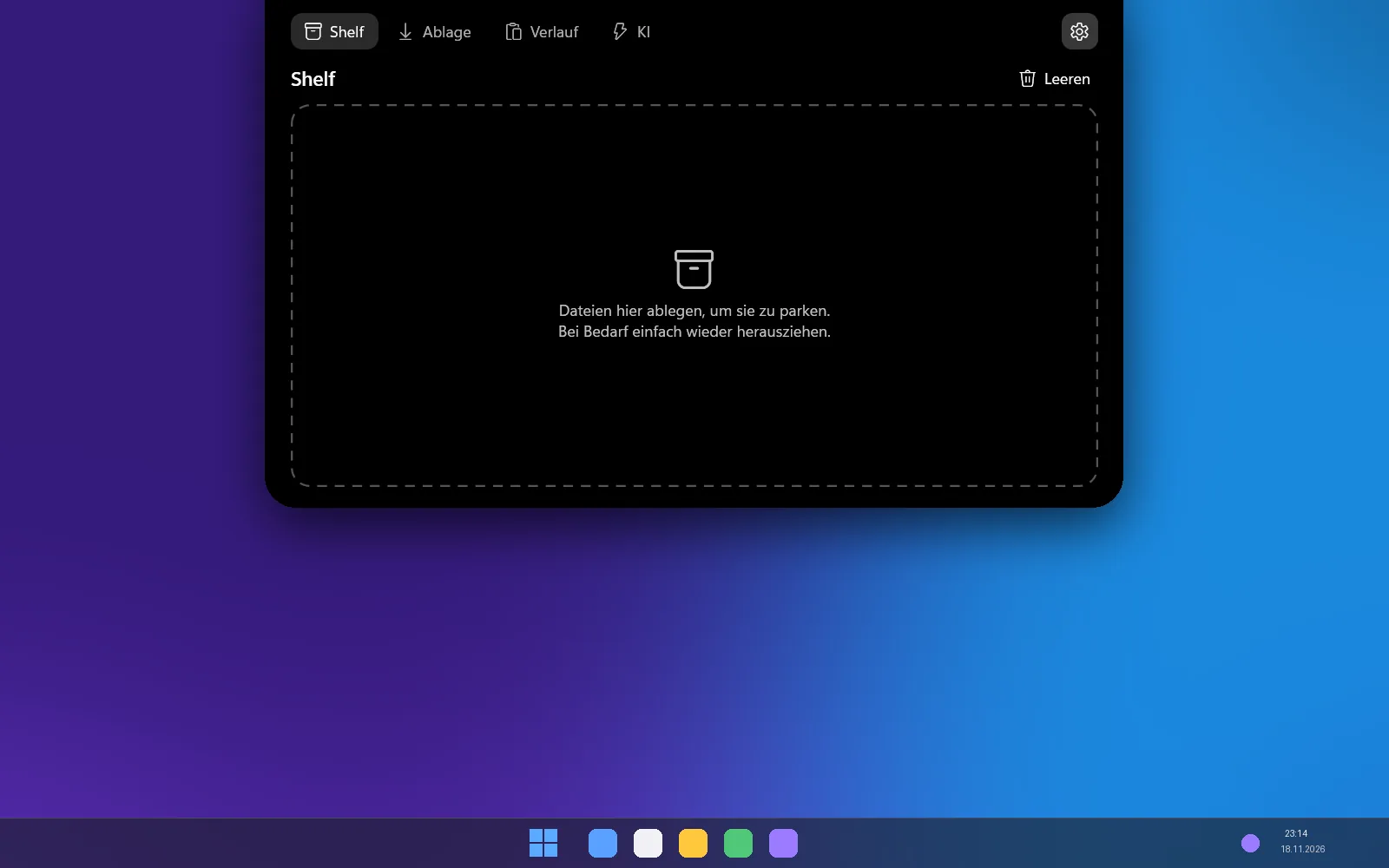
Park files in the notch and drag them out again later – into any app, folder or email.
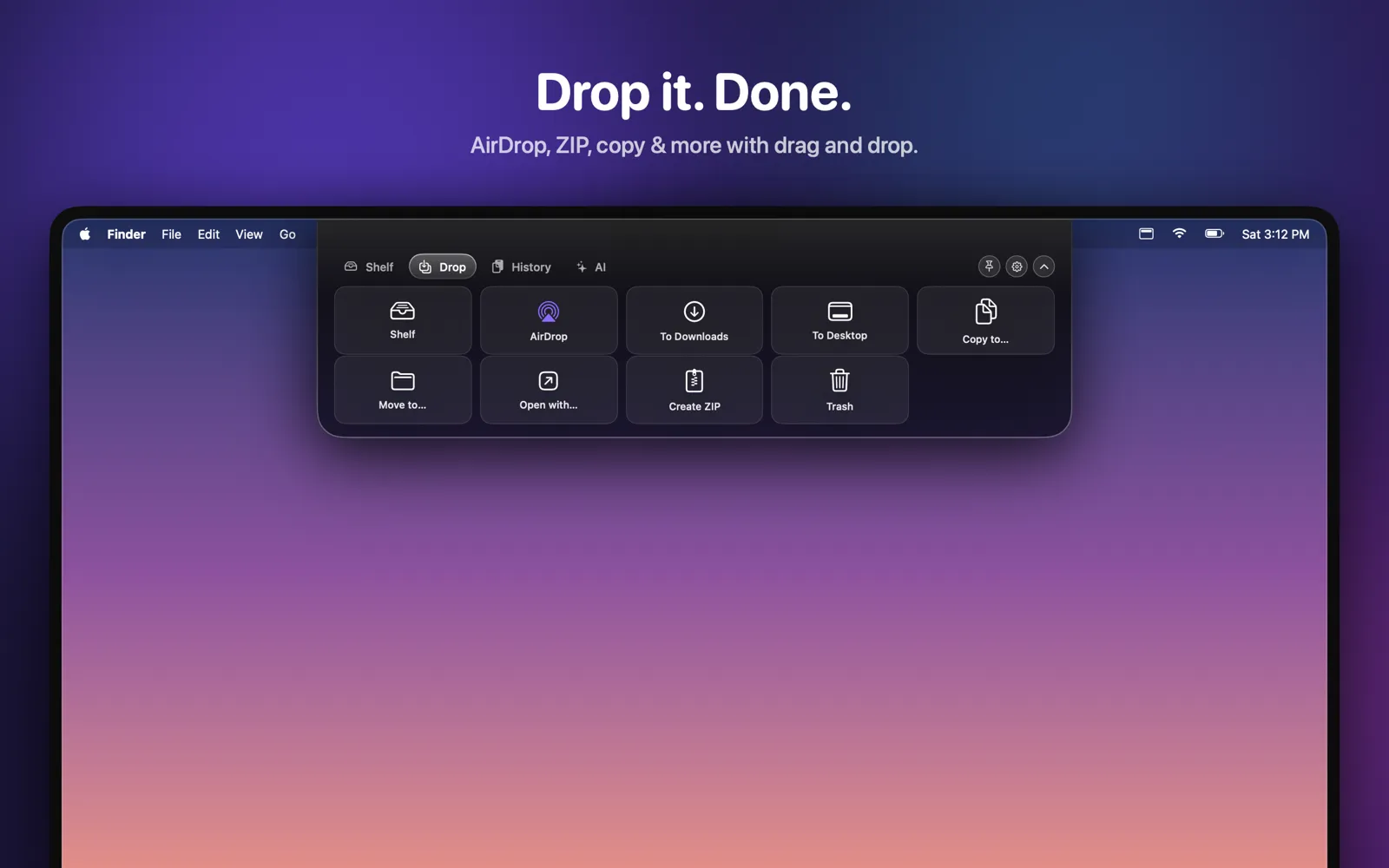
Drop a file and act on it: AirDrop, Downloads or Desktop on the Mac; copy path, Share, Show in Explorer on Windows – plus move, copy, ZIP and more.
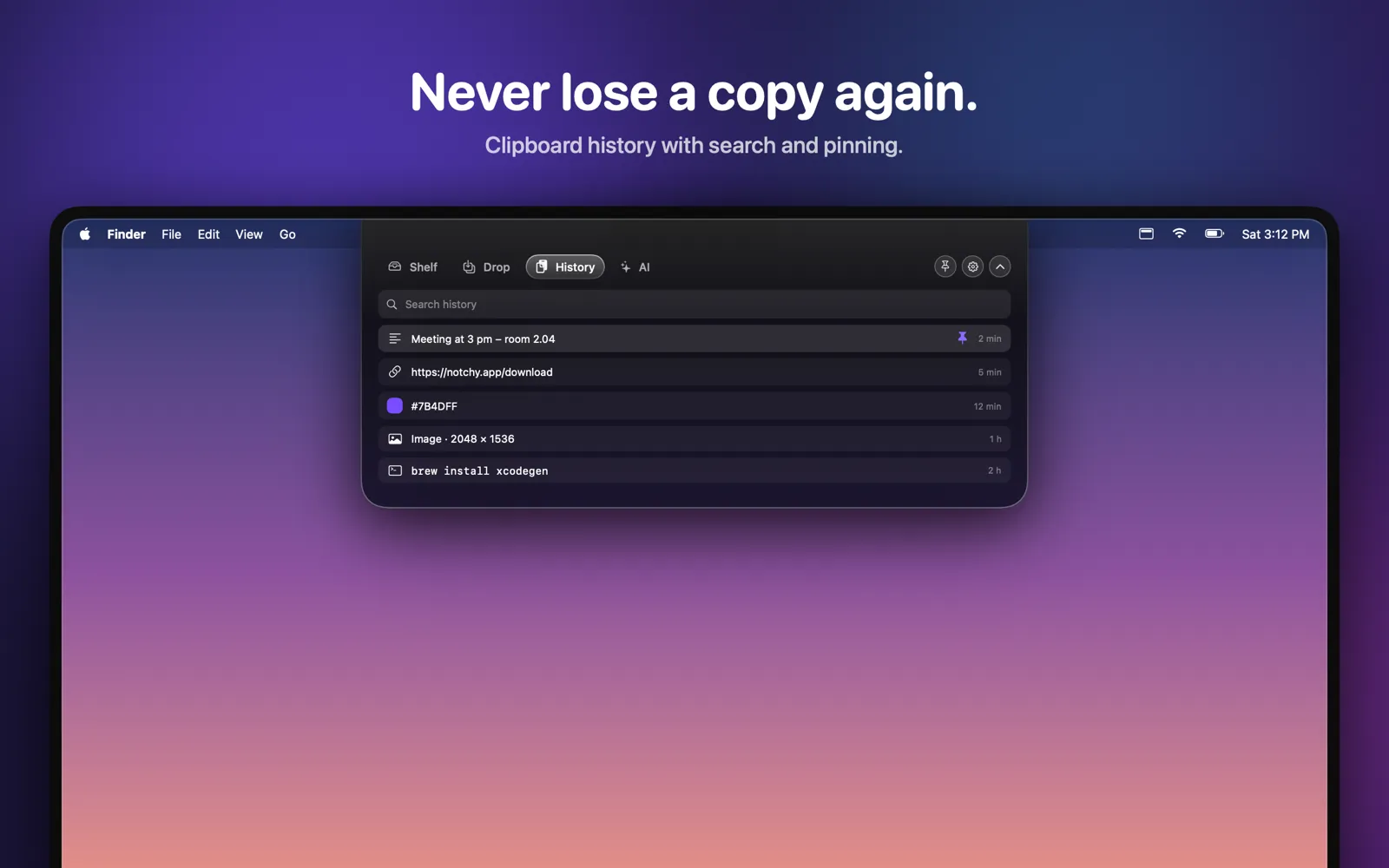
Texts, links, images and files you copy – searchable. Free keeps your last 5 entries, Pro keeps everything with pinning. Passwords are ignored automatically.
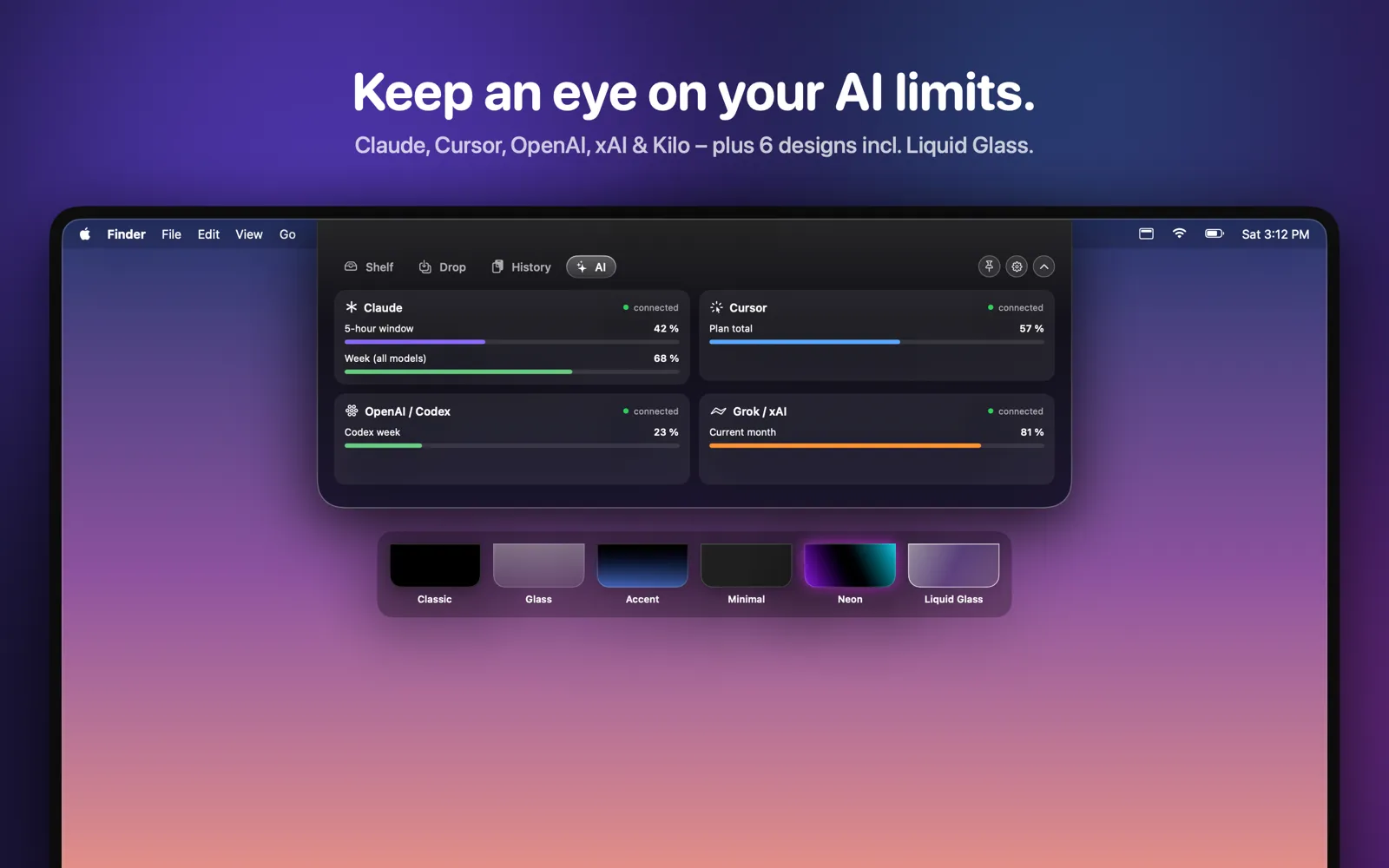
Cards for Claude, Cursor, OpenAI/Codex, Grok/xAI and Kilo Code show usage, costs and limits. Keys stay in the Keychain or Windows Credential Manager.
End-to-end encrypted clipboard sync between your Macs and PCs. Your passphrase never leaves the device.
A notch on every monitor – the hardware notch on your MacBook, a simulated one on external screens and on Windows. Shelf and history are shared.
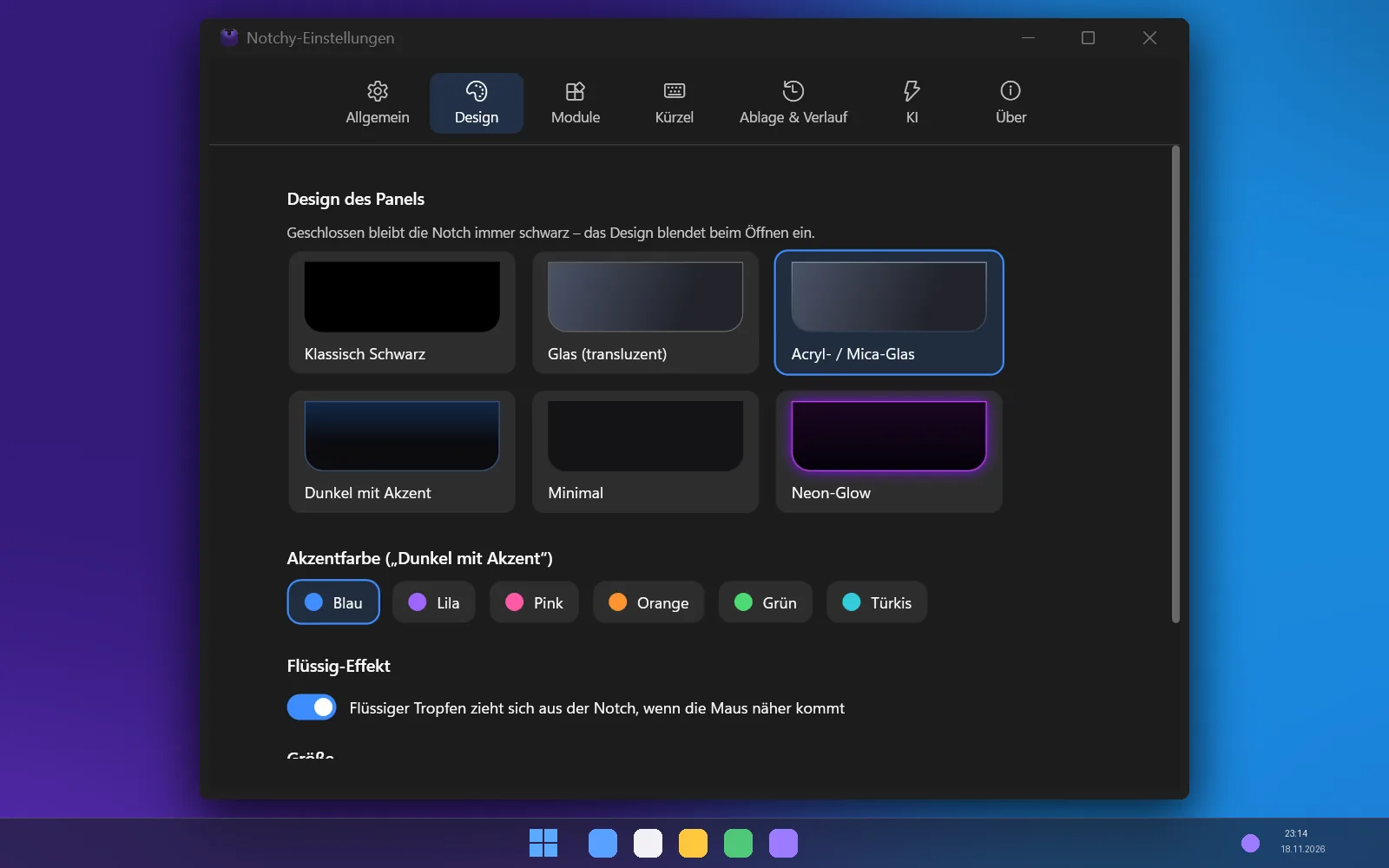
Classic Black, Glass, Dark Accent, Minimal and Neon Glow – plus Liquid Glass on the Mac and Acrylic/Mica glass on Windows.
⌥⌘N on the Mac, Ctrl+Alt+N on Windows, plus shortcuts for every tab and search – no extra permissions needed.
macOS 14 Sonoma or later · Apple silicon & Intel
Windows 10/11 · x64 · no admin rights needed
Spin once a day – with a little luck you win Notchy Pro for 1, 2 or 3 months for free.
…
After payment you get an activation code. Enter it in Notchy → Settings → Sync (Pro) → “Redeem code”. Have a gift code? Redeem it there too.
| Free | Pro | |
|---|---|---|
| Notch, liquid droplet & all designs | ||
| Shelf & drop actions | ||
| AI usage cards | ||
| Multi-display & shortcuts | ||
| Clipboard history | last 5 entries | unlimited + pinning |
| End-to-end encrypted sync between Mac & Windows | ||
| Transfer between devices | ||
| File upload via the Notchy cloud | coming soon |
The Mac App Store version is offered separately in the App Store; its price and features are shown there.
Windows 10/11 · x64 · installs per user, no admin rights
Not code-signed yet: if Windows SmartScreen appears, click “More info” → “Run anyway”. Updates install automatically.
macOS 14 Sonoma or later · Apple silicon & Intel
The direct download (.dmg) is not notarized by Apple yet: on first launch, right-click Notchy → “Open”, or allow it under System Settings → Privacy & Security → “Open Anyway”.
Publisher: NitradoMedia LLC
770 County Square Drive
Ventura, California, USA
Entity No. 202357118071
Contact: stefan@nitradomedia.com